
Telehealth Connection Testing Guide
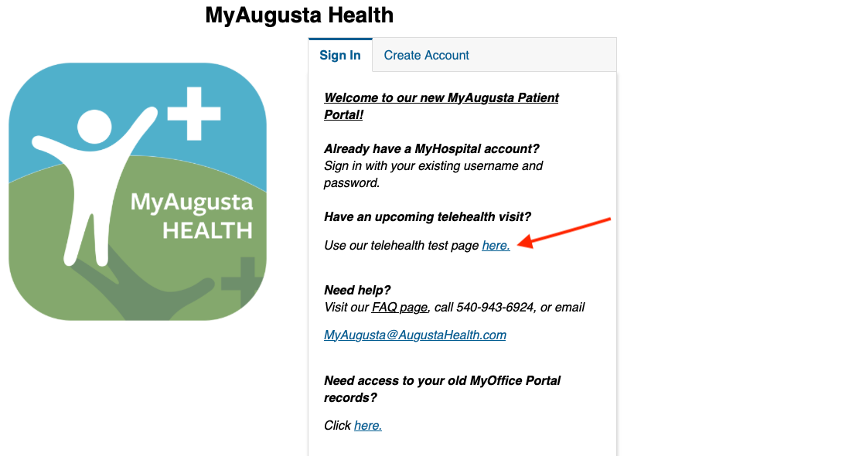
1. On the portal log in page, click Use our telehealth test page here.
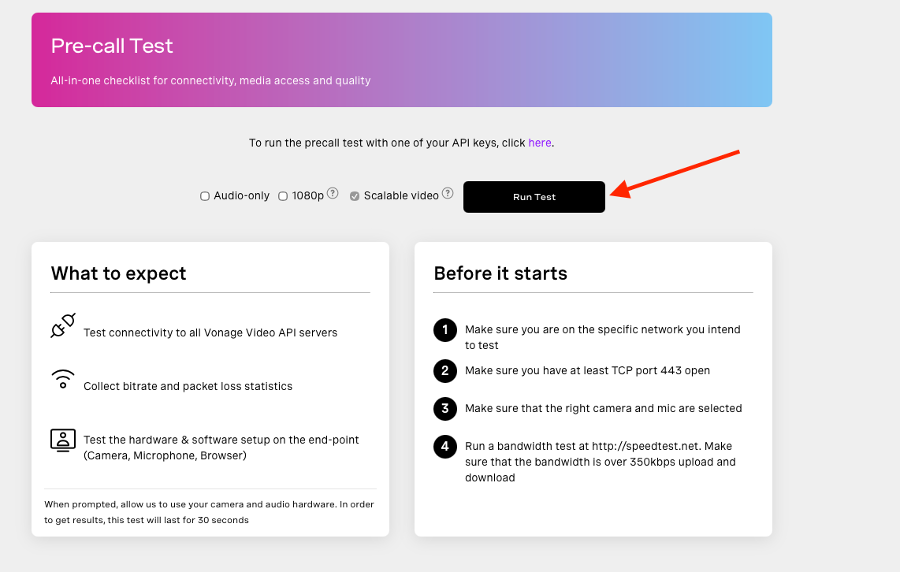
2. Click on Run Test.
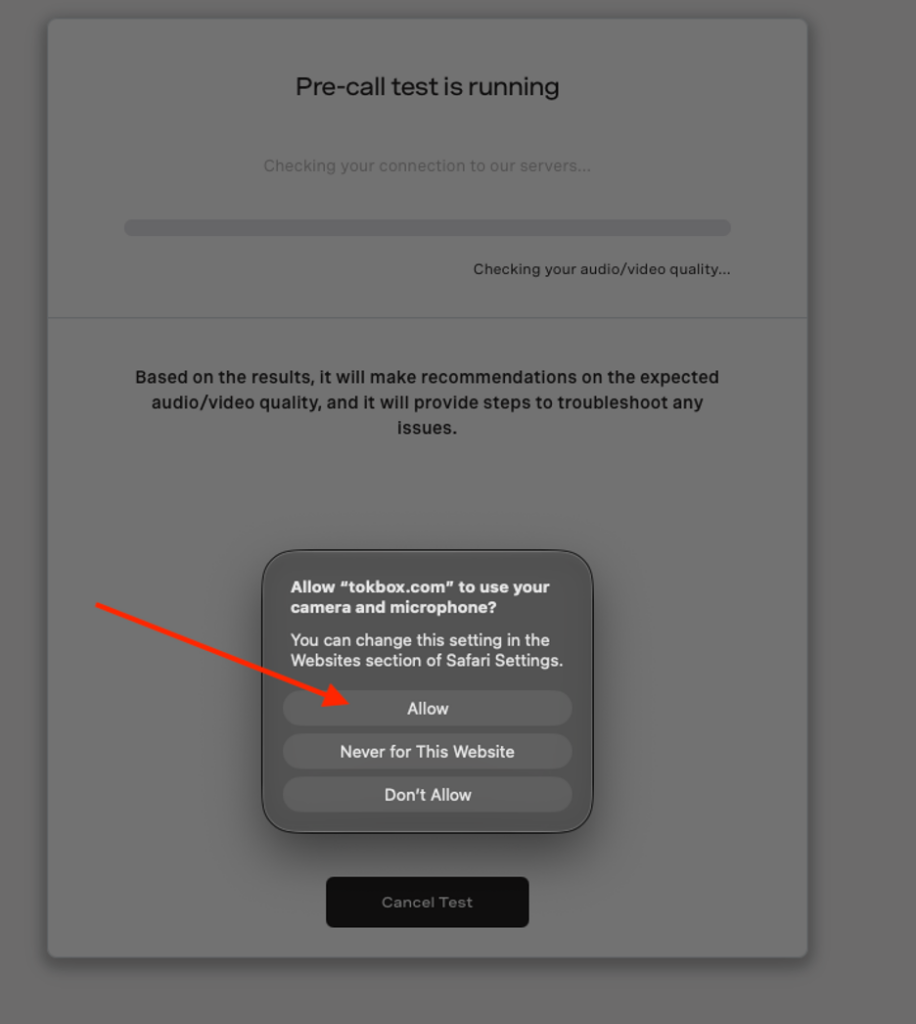
3. Click Allow to enable camera, speaker, and microphone access.
4. Once the test is completed, you can scroll to the bottom and see your expected call quality.
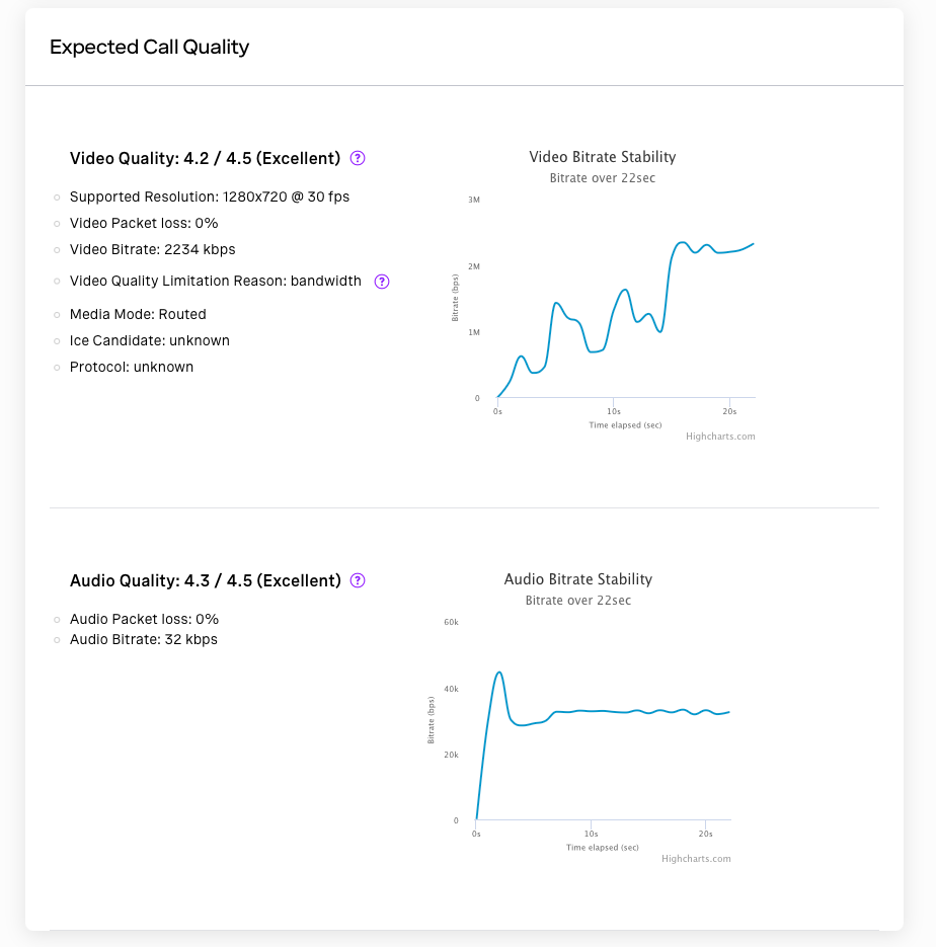
5. If your quality is poor, please reach out to the practice of your appointment for alternative options for your visit.